Run a Local AI Experiment with Ollama for Business or IT
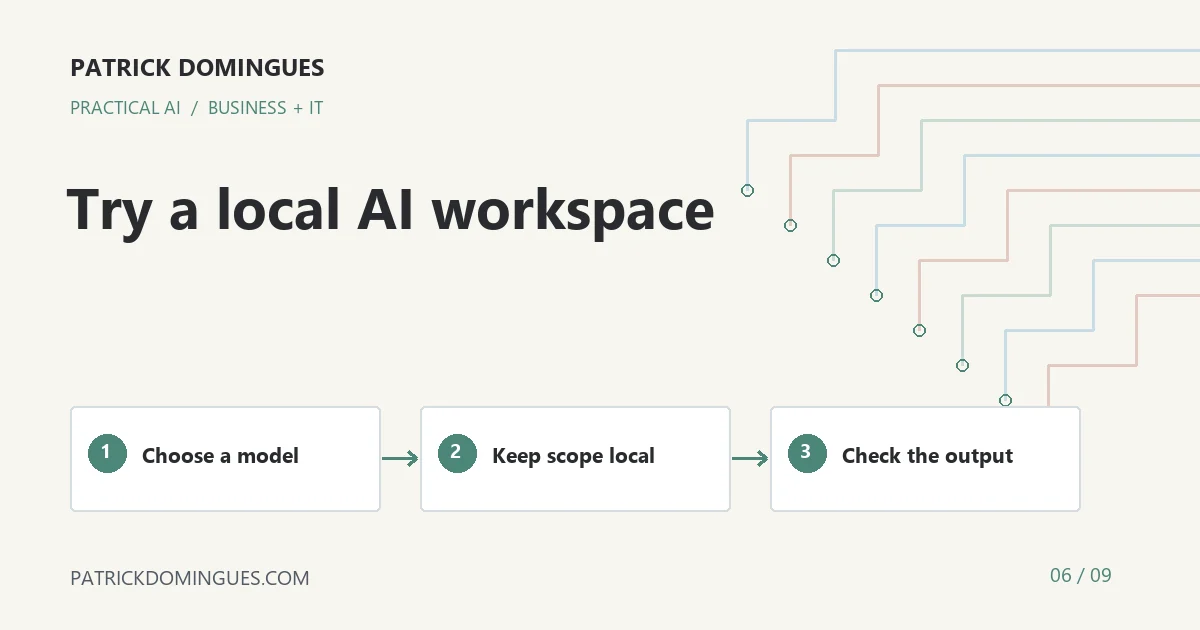
A local AI experiment can help an IT team or small business evaluate a task without sending inference requests to a cloud model. It also makes the organization responsible for the device, model files, application configuration, access and output quality.
This guide describes a small Ollama experiment with synthetic text. It is not a claim that every model fits every computer, that all local software is private by default, or that this workflow has been benchmarked on your hardware.
Choose a modest test task and compatible device
Start with a disposable task such as restructuring a fictional process note. Check the operating system, available memory, disk capacity and supported hardware against the current Ollama documentation. Allow for the model download and runtime memory rather than relying only on a file’s download size.
Review the model’s license and the intended business use before downloading. Small models are useful for an experiment, but size alone does not establish quality or suitability for a consequential decision.
Install from the official source
Obtain the appropriate package through Ollama’s official download page and follow its current platform instructions. Use an approved workstation or lab VM; do not install a new inference service on a production server just to follow a tutorial.
Confirm the CLI is available and record its version:
ollama --versionDo not run installation commands copied from an unverified website with elevated permissions. Keep the installation and model source in the experiment record.
Choose local-only behavior deliberately
Ollama supports cloud as well as local models. Its current documentation describes disabling cloud features with the following setting in the user’s .ollama/server.json configuration:
{
  "disable_ollama_cloud": true
}
Merge the setting with existing configuration rather than blindly replacing the file. Restart the relevant Ollama process and verify the documented cloud-disabled indication in its logs. The documented alternative is OLLAMA_NO_CLOUD=1 in the environment of the actual server process; setting it in an unrelated terminal does not necessarily configure a running service.
Disabling cloud inference is not a claim that no network activity can occur. Installation, downloads, updates, wrappers and other integrations need their own review.
Download and run an illustrative local model
The text-only gemma3:1b model is one small example available in the official library. Review its current entry and terms first, then download and run it:
ollama pull gemma3:1b
ollama run gemma3:1b
Try a fictional input:
Create a draft checklist from these notes: receive delivery;
count boxes; record a mismatch; ask the supervisor about damaged
items. Use only these facts. Mark missing roles or deadlines as
NOT SPECIFIED. Do not invent a refund or disposal policy.
Check whether the answer preserves the facts and flags what is missing. This is an evaluation prompt, not an example of a guaranteed model response. Record the actual response and corrections before deciding whether the tool helps.
Check running models and access
ollama list
ollama ps
These commands inspect downloaded and running models. Keep the service on the intended local interface; Ollama documents a default bind of 127.0.0.1:11434. Do not change the bind address or publish the service through a tunnel without a separate authenticated access and network-security design.
Review local users, prompt history, logs and stored files. A local endpoint can still be accessed or misused by software running with relevant permissions on the device.
Decide whether to continue
Measure the task with the same review standard used for a hosted assistant. Include latency, manual correction, support effort and update needs. Use notes-to-SOP verification and the AI policy template before introducing real business data. The AI pillar links the other practical workflows.
Primary references