Prepare Microsoft 365 Data and Permissions for a Copilot Pilot
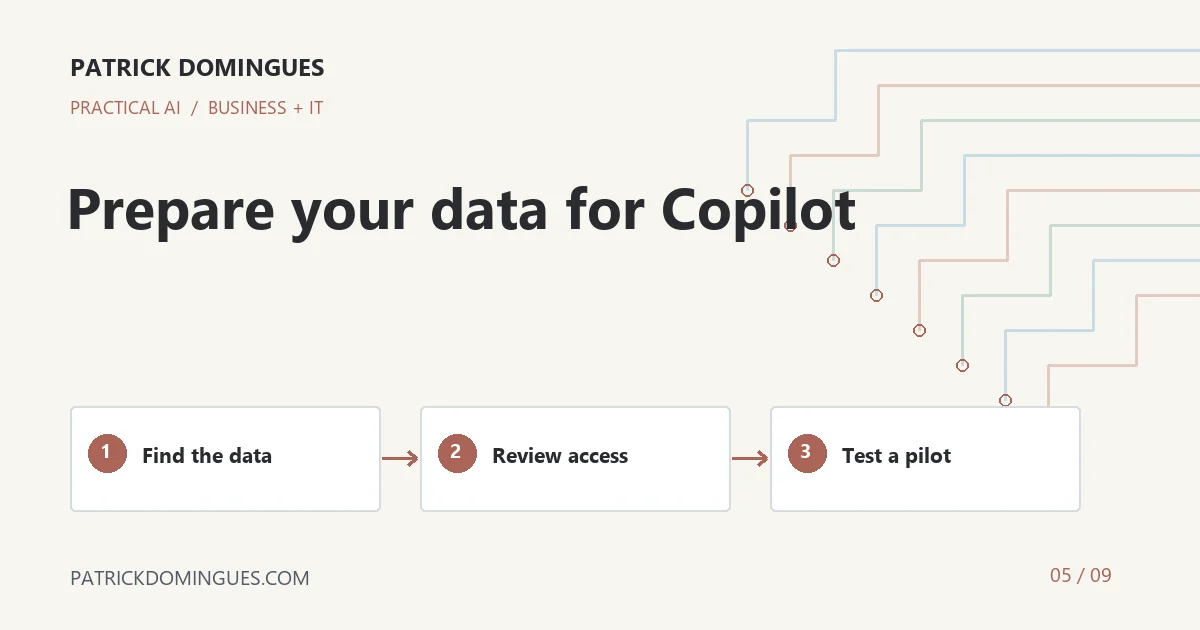
Before an SMB turns on a broad Copilot pilot, it should understand who can access the business information the product may use. AI can make existing information easier to discover; it does not decide who ought to have permission to a document.
This guide is a preparation and verification workflow for Microsoft 365 administrators and business owners. Product capabilities, licensing and data controls vary, so check the specific Copilot offering and current Microsoft documentation.
Confirm the product and responsibility
Record the selected product, tenant, account type, licenses, intended users and approved tasks. Do not transfer a privacy statement for a commercial Microsoft 365 product to a different personal account, agent or connected application.
Assign a business owner for the pilot and an administrator responsible for access. Agree what information may be used and who reviews results before staff rely on them in customer-facing or consequential work.
Inventory the sources people actually use
Start with a limited set of SharePoint sites, Teams-connected content and OneDrive sharing relevant to the pilot. Identify the content owner, intended audience, sensitive material, outdated files and external access.
Review broad groups, sharing links and inherited access against the owner’s current need. Do not remove permissions across every site with an unreviewed cleanup script. A migration, old project or service account may have dependencies that are not visible from one access report.
Microsoft documents that Microsoft 365 Copilot surfaces organizational data according to user access permissions. That makes correcting inappropriate existing access a preparation task, not a problem to delegate to the assistant’s prompt.
Build an expected-access test matrix
Use synthetic documents in a dedicated pilot site. Give each a clear fictional marker so a reviewer can identify the source without using sensitive data:
Document A: public-to-pilot product FAQ; marker PILOT-FAQ-17
Document B: managers-only planning note; marker PILOT-MGR-42
Document C: private owner draft; marker PILOT-PRIVATE-63

Test accounts: site owner, ordinary pilot member, uninvolved user.
For each document/account pair: record expected access and why.
First test direct access using the intended user account. A successful owner query does not prove that an ordinary member or uninvolved user has the correct boundary.
Test discovery and answers separately
After the approved pilot is configured, ask a user to locate or summarize content they should access and verify the cited source. Test prohibited access cases too, without asking an assistant to reveal real secrets as a demonstration.
Record the account, expected result, source link and observed behavior. Search indexing, product scope and processing delays can affect discoverability. Failure to find a document in one query is not proof that its underlying permissions are correct.
Review Microsoft Purview, SharePoint and Copilot-specific discovery or protection controls according to their actual scope and licensing. A discovery restriction should not be confused with revoking underlying access.
Check connected agents and retention
Inventory enabled agents, connectors and external data sources. Review their permissions and terms independently. Verify how prompts, responses, audit records and retained data are handled for the chosen configuration rather than assuming every component follows the same boundary.
Microsoft’s commercial data commitments are relevant to the specific service; they do not replace the business’s own classification, retention and sharing decisions.
Run a small, accountable pilot
Use approved business tasks, monitor oversharing concerns and give staff a route to report an unexpected answer or source. Expand only after the owner accepts the access tests, content quality and support process.
Keep the AI acceptable use policy alongside this technical preparation. Use practical SMB use cases to choose the pilot task, or return to the AI pillar.
Primary references