Skip to content

THE PRACTICAL GUIDES

Virtualization & Containers

Virtual machines and containers provide different ways to organize workloads, isolate dependencies, and use hardware. This hub brings Proxmox, VMware, VirtualBox, and Docker material into one learning path while keeping the differences between those platforms visible. Start with the workload you need to run and the operational responsibilities that come with it.

Plan capacity, storage, networking, backups, and management access before adding workloads. A lab is a useful place to learn, but a successful lab configuration is not automatically a production design. Check the platform version in each article, account for software support and licensing, and test recovery procedures. Containers also need deliberate handling of persistent data, secrets, updates, and the network services they expose.

Start here

Read the original guide's date, platform version, and prerequisites before making changes. Test in a suitable environment and keep a recovery plan for the systems and data affected.

Virtual machine labs and host storage

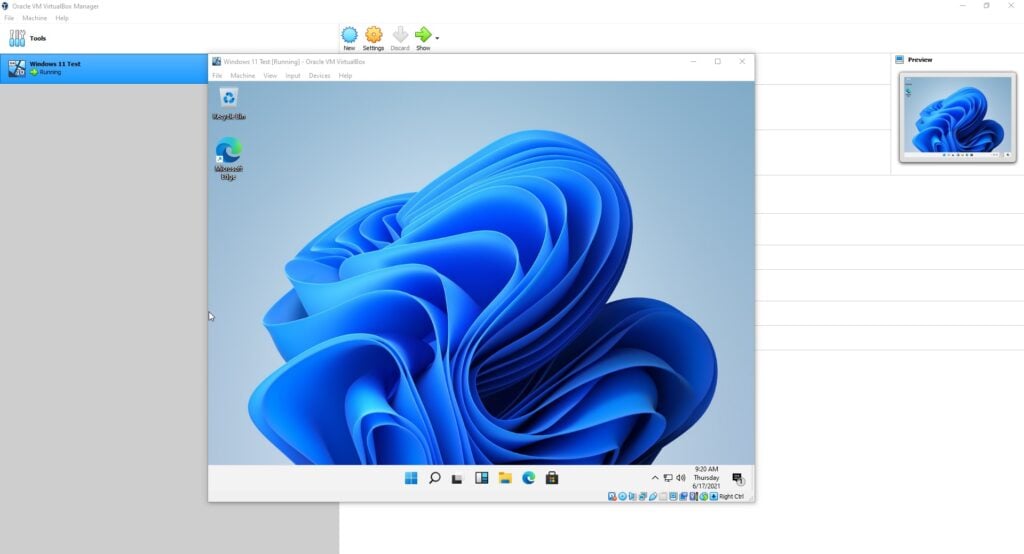
A useful virtualization lab reflects the decisions you want to practice: host resources, guest networking, storage placement, and access to management tools. VirtualBox can provide a route into local experiments, while Proxmox and VMware guides cover different host and infrastructure tasks. Adding storage changes where workloads can live, so confirm device identity and recovery options before applying disk operations. Keep lab results separate from assumptions about production availability or performance.

Docker foundations and commands

Begin with the host installation and the commands used to inspect images, containers, and their state. Understand the difference between an image and a running container, and decide which data must remain outside an individual container lifecycle. Permission changes also deserve attention because access to container management can affect the host. Work through the installation and command references in a controlled environment before using them to operate an important service.

Service workloads and orchestration

Running a database or reverse proxy in containers introduces configuration, persistence, and network decisions beyond the initial installation. Decide which services should be reachable and where configuration and data will be stored. Orchestration adds another layer of coordination, so start with a clear reason for using it and a plan for node failures and updates. These examples provide starting points for individual tasks; adapt them to your own access controls and recovery requirements.

Latest in this topic

Recent articles from this topic, ordered by publication date. This selection updates automatically as new matching guides are published.