Turn Business or IT Notes into a Usable SOP with AI
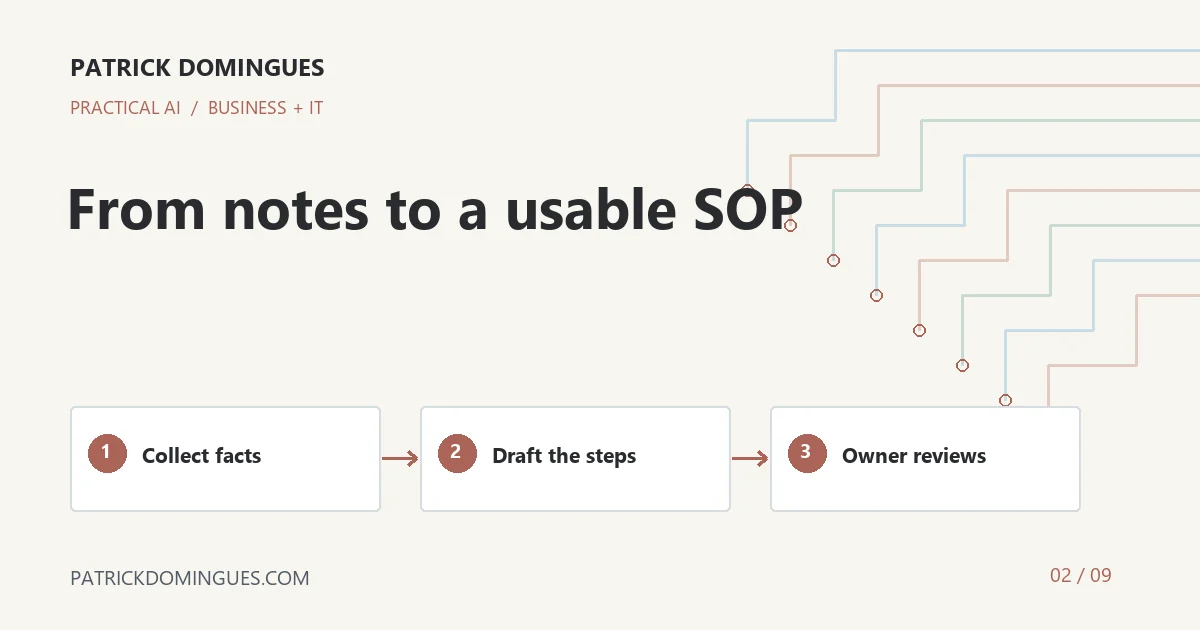
A useful standard operating procedure tells someone what to do, who can decide, what evidence to keep and when to stop. AI can organize rough notes into a draft, but it cannot establish your actual business rules. The process owner must supply and approve those rules.
This workflow suits a small business documenting recurring work or an IT team turning a solved issue into a knowledge article. The sample below is fictional and contains no customer information.
Collect a source packet, not just a topic
Gather the current notes, approved policy, relevant screenshots or forms, and the name of the person responsible for the process. Identify which document controls when sources disagree. Remove information the chosen AI product is not approved to receive.
Write down the audience and scope. A front-desk procedure, an administrator runbook and a public customer article should not expose the same detail or grant the same authority.
Keep a copy of the source packet and its version. Otherwise, a later reviewer may be unable to explain why the procedure contains a particular instruction.
Use a deliberately incomplete example
Imagine these notes from a small supplier’s order desk:
Warehouse sends a missing-item notice to the order desk.
Order desk checks the order number against the order system.
Customer contact uses the approved order-system record.
Only the operations manager can approve a refund.
Do not change payment details from an incoming email.
The deadline for notifying the customer is not documented.
The missing notification deadline is important. A polished draft that quietly fills it with “within 24 hours” would create a rule the source never authorized.
Ask for a source-grounded draft
Turn the supplied notes into a draft SOP for the order desk.
Use only the supplied facts. Keep approvals and prohibitions explicit.
Do not invent deadlines, refund amounts, system fields or legal duties.

Return: purpose, trigger, responsible roles, prerequisites,
numbered steps, approval points, records to retain, stop/escalate
conditions and unanswered questions. Mark unknowns as NOT SPECIFIED.
Label the document DRAFT FOR PROCESS-OWNER REVIEW.
The expected structure includes an operations-manager approval point and an unanswered question about timing. It should not authorize the order desk to refund, modify bank details or contact an address copied from an unverified message.
Microsoft’s prompting guidance similarly emphasizes specifying purpose, audience, source and output expectations. Those instructions improve the request; they do not make the answer authoritative.
Review the draft against the source
Check each operational instruction, number, role and exception. Ask the reviewer to identify its supporting source. Separate an editorial improvement, such as a clearer heading, from a new business rule requiring an owner’s decision.
Remove unsupported steps rather than leaving them in the procedure because they sound reasonable. Resolve contradictory notes with the owner and update the source packet before asking for another draft.
For IT knowledge articles, also verify prerequisites, product versions, command scope, rollback and the result that confirms the issue is fixed. A plausible command is not evidence that a runbook was tested.
Walk through a realistic case
Have someone who did not write the notes follow the draft on a disposable example. Can they find the required record? Do they know when approval is needed? Can they recognize a missing or conflicting fact without guessing?
Record the gaps and repeat the walkthrough after revision. This is a usability check of the procedure, not a benchmark of a particular AI model.
Publish with ownership and a review trigger
Assign a version, effective date, approving owner and review trigger. Link the source policy where staff can access it. Keep unresolved draft questions out of the final operational steps, and retain a route for reporting a procedure that no longer matches reality.
Use the AI policy template to define where business information may be processed. For automated intake, continue with request triage. The AI pillar connects the business and IT guides.
Primary references